PDF, link or app: how to send an itinerary to travel clients
A PDF by email, a shared web link or a branded app: how each one handles offline use, changes, link privacy, file size and phones abroad, for small agencies.
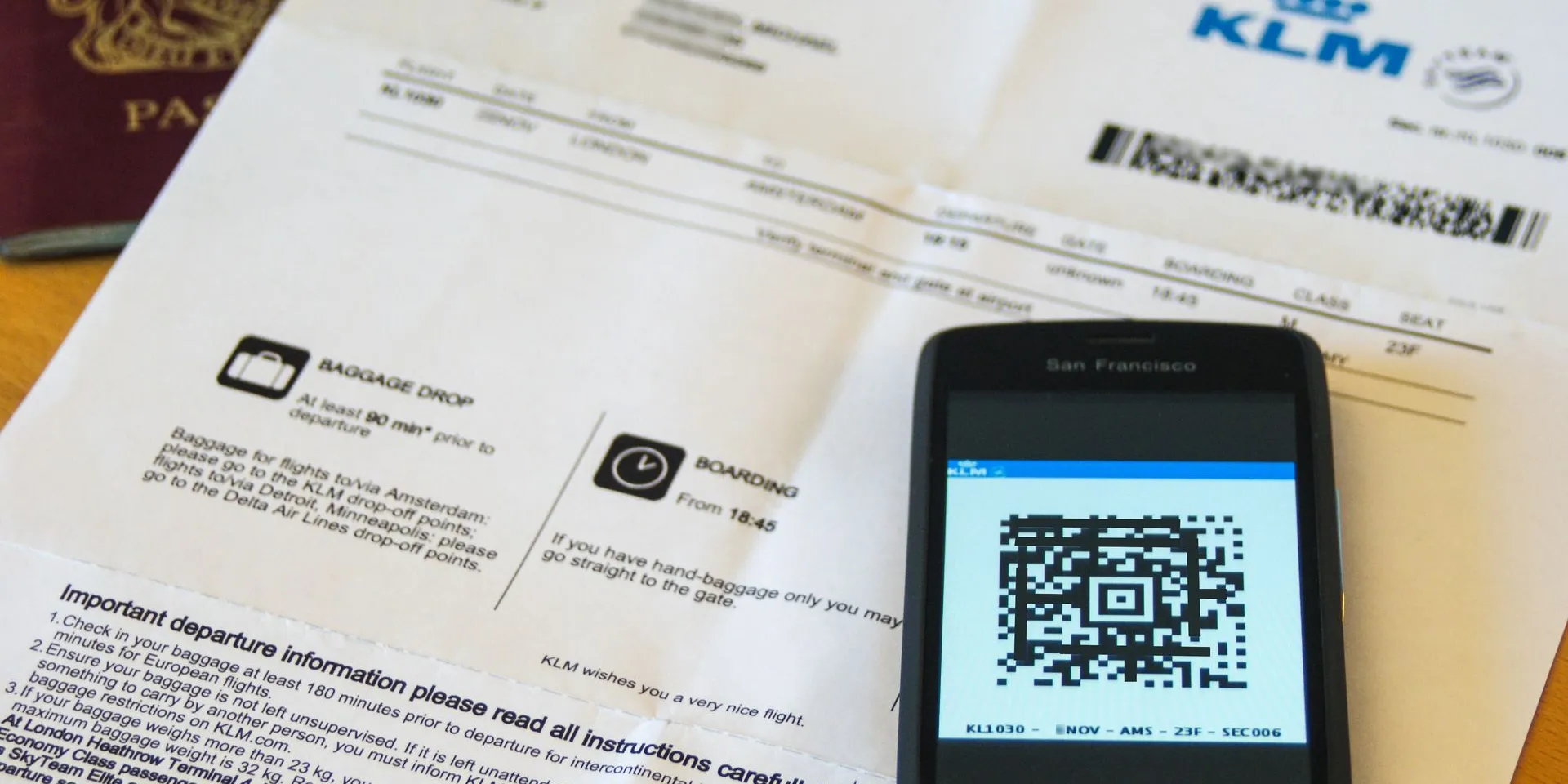
Short answer: a PDF by email is simple and works offline once saved, but goes out of date with every change. A shared web link stays current but usually needs a connection and can be opened by anyone who has it. An app does both jobs only if it saves the trip on the phone and tells travelers what changed. For most small agencies, the best mix is the trip on a link or app, plus the contract and formal notices by email.
Every agency ends up choosing how the trip reaches the client: a file, a link or an app. The choice decides what the client sees at the arrival airport with no signal, what happens when a transfer time moves, and who else can open the trip. This guide compares the three on the points that matter in practice and ends with a checklist you can use whatever tool you work with.
What are the three ways to send an itinerary?
There are three common ways to send a trip: a PDF attached to an email (or sent on WhatsApp), a shared web link to a document or web page (a Google Doc, a page on your site, a viewer in your booking tool), and an app, either from the App Store and Google Play or a web app opened from a link.
| PDF by email | Shared web link | App (store or web app) | |
|---|---|---|---|
| Offline | Yes, once the client saves the file | Usually not: most web pages need a connection | Depends on the app: only if it saves the trip on the phone |
| After a change | You send a new file; old copies stay in inboxes | The link shows the new version, but nobody is told | Depends on the app: the better ones notify and show what changed |
| Privacy | The file can be forwarded and stays in every inbox | “Anyone with the link” means whoever the link reaches | Depends on the link or sign-in: ask whether links can be revoked |
| File size | Gmail: 25 MB of attachments for personal accounts | No attachment limit | Depends on what the app saves on the phone |
| On a phone | Fixed layout: zooming and scrolling | Depends on the page | Built for the phone |
| As a legal record | Can serve as a durable copy | A page that can change is a weaker record | A weaker record, for the same reason |
The rest of this guide goes through each row.
Does the itinerary work offline?
A PDF works offline once it is on the phone. The catch is “once”. An attachment that the client never opened may not be stored on the phone, and big attachments may never arrive as files: Gmail lets personal accounts send up to 25 MB of attachments and, above that, replaces them with a Google Drive link, which needs a connection to open.
A shared web link usually needs data. As MDN’s guide to progressive web apps puts it, most websites are unusable without network connectivity. A Google Doc or a web page in your booking tool will not load in a taxi queue abroad unless the client saved a copy beforehand.
An app works offline only if it saves the trip on the device. Store apps usually download the trip; web apps can do the same with a service worker and browser storage. Two details are worth knowing for web apps on iPhones:
- In 2020, WebKit (the engine behind Safari) started deleting a website’s script-writable storage after seven days of Safari use without interaction with the site. Web apps added to the home screen have their own counter of days of use, and WebKit said it did not expect their data to be deleted.
- In its 2023 storage policy update, WebKit set the storage quota per website at up to 60% of the disk for browser apps, and said a home screen web app gets the same quota as Safari. MDN notes that browsers rarely evict data from sites people use regularly.
In practice: ask clients to open the trip with a connection a day or two before departure, and to add a web app to the home screen. Whatever you use, ask “does it show me, or the client, that the trip is saved on the phone?” If nobody can tell, you will find out at the arrival airport.
For what clients should keep on their phone, and how to check it before they fly, see our guide to travel documents offline.
What happens when something changes?
Changes are where the three options differ most.
A PDF freezes the trip on the day you made it. GOV.UK’s digital team, explaining why it publishes in HTML rather than PDF, pointed out that people are more likely to download a PDF, keep referring to it and share it offline, and might not check for the latest information. With itineraries, that means a client opening Tuesday’s PDF on Saturday, after you sent Thursday’s with the new transfer time.
A link is always current, but silent. The client sees the new time only if they open the link again, and nothing tells them to. If you change a meeting point the night before, send a message as well.
An app can do both, if it does two things: notifies the traveler, and shows what changed, not only the new version. Ask a vendor to show you a time change from the traveler’s side before you buy.
The legal side, for EU package organisers
If you sell packages in the EU, the Package Travel Directive sets formal duties that a link or an app does not replace:
- Article 7(1): a copy or confirmation of the contract on a durable medium.
- Article 11: an insignificant change to the contract must be communicated in a clear, comprehensible and prominent manner on a durable medium, and so must a significant change to the main characteristics of the trip, without undue delay.
- Article 7(5): in good time before the start, the necessary receipts, vouchers and tickets, and information on the scheduled times of departure, check-in deadlines, intermediate stops, transport connections and arrival.
Article 3(11) defines a durable medium as one that lets the traveler store information addressed to them, accessible for future reference and allowing its unchanged reproduction. A web page that you can edit at any time is a weaker fit for that definition than an email or a PDF. Whether a given link qualifies is a legal question for your adviser; the safe practice is to keep sending the contract confirmation and formal change notices by email, and use the PDF, link or app for the trip itself.
For the wording of the message and what EU rules require when an airline moves a flight, see how to send a changed itinerary to clients.
How private is each option?
A trip carries names, flight numbers, hotel addresses and sometimes passport details. Each option exposes them differently.
- A PDF can be forwarded and stays in every inbox it reaches, including shared family accounts. You cannot take it back.
- A shared document with “anyone with the link” can be opened by anyone who has the link, without signing in to a Google account. That is convenient for a group and risky if the link is posted in a chat.
- Any link can leak through the browser. MDN explains that a page can pass its address to other sites in the Referer header when someone follows a link or loads an image from it, and that a
no-referrerpolicy stops that.
What to ask of any link-based tool: Is the link long and random? Can you revoke it or replace it? Can each traveler have their own link? Does the page send its address to other sites? And keep passport scans out of the itinerary unless the trip needs them; our guide to client passports in itinerary software lists the questions to ask a vendor about that data.
Will it work on a phone abroad?
The client reads the itinerary on a phone, often with little or no data.
Roaming is not free everywhere. Under the EU’s Roam like at home rules, clients with an EU mobile plan pay domestic rates in the 27 EU countries, Iceland, Liechtenstein, Norway, Ukraine and Moldova. The UK is not covered since it left the EU, although some operators keep the benefit; Your Europe adds that other countries are not covered and that operators can apply fair use limits to data. Clients from outside the EU, or traveling outside it, should check with their operator.
A PDF is not made for a small screen. GOV.UK’s team notes that PDFs are not flexible in their layout, which means zooming and scrolling, “especially troublesome with long documents and on small devices like mobile phones”. A twelve-page itinerary is hard to read at a bus stop.
What the client needs fast is the next thing: where to be, at what local time, with which document. Whatever the format, put that first, and write addresses so a driver can read them.
Which one should a small agency choose?
It depends on the trip, not on a rule.
- A short, simple trip (one destination, one hotel, few bookings): a well-made PDF is fine. Ask the client to save it, and print a copy if they want paper. Our free itinerary template gives you a layout to print or save as PDF.
- Several flights, transfers, time zones or a group: use a link or an app that saves the trip on the phone, so changes reach everyone and nobody depends on roaming.
- Every package in the EU: whatever you choose for the trip, keep the contract confirmation and formal change notices on a durable medium, such as email.
Where Viaondo fits
We make Viaondo, so take this as a description, not a test. Viaondo sends each trip as a branded web app opened from a private link, with no store download: it saves the trip on the phone the first time it is opened with a connection, checks the size and SHA-256 fingerprint of every file before it says the trip is ready offline, and, when you publish a change, shows travelers the old and the new time. Links carry 256 random bits, of which only a hash is stored, can be revoked or replaced at any time, and the pages send no referrer. The street map and new versions still need a connection, and you keep sending contracts by email. The offline trip app page lists what works without data and what does not.
Checklist before you send any itinerary
- Put the next step first: date, local time, place and the document needed.
- Ask the client to open or save the trip with a connection before departure, and check that it opens in airplane mode.
- Keep attachments under 25 MB if you send by Gmail, or the files become a Drive link that needs data.
- Never share a trip link in a public place; prefer links you can revoke and one per traveler.
- After a change, tell the client what changed, not only that something did.
- For packages in the EU, send the contract confirmation and formal change notices by email, on a durable medium.
- Tell clients outside the EU and EEA, or traveling outside them, to check roaming with their operator.
How this guide was checked. Every claim links to its source: GOV.UK’s Government Digital Service, Google’s Gmail and Drive help, MDN, the WebKit blog, the European Commission and Your Europe, and the Package Travel Directive in the Official Journal, all opened on 15 October 2026. The legal points are general information, not legal advice. We make Viaondo, and the paragraph about it describes its own published features.
To compare the tools that send trips as apps, read our guide to itinerary software for travel agencies.
Sources
- GOV.UK (Government Digital Service blog): Why GOV.UK content should be published in HTML and not PDF (16 July 2018) (accessed 15 October 2026)
- Gmail Help: Attachment size limits (accessed 15 October 2026)
- Google Drive Help: Share files from Google Drive (general access and “Anyone with the link”) (accessed 15 October 2026)
- MDN: Offline and background operation (progressive web apps) (accessed 15 October 2026)
- MDN: Storage quotas and eviction criteria (accessed 15 October 2026)
- WebKit blog: Full Third-Party Cookie Blocking and More (24 March 2020) (accessed 15 October 2026)
- WebKit blog: Updates to Storage Policy (10 August 2023) (accessed 15 October 2026)
- MDN: Referer header, privacy and security concerns (accessed 15 October 2026)
- European Commission: Roaming, connected anywhere in the EU at no extra charge (accessed 15 October 2026)
- Your Europe: Mobile roaming costs (last checked by the EU on 7 January 2026) (accessed 15 October 2026)
- Directive (EU) 2015/2302 on package travel, Articles 3(11), 7 and 11 (Official Journal L 326, 11 December 2015) (accessed 15 October 2026)