Your itinerary will appear here as you write it.
Travel itinerary template
Write the trip day by day and get a document to print or save as a PDF. What you type stays in this browser.
What a client itinerary must contain
Whatever the format, a client should be able to travel with the itinerary alone. Check that yours has these before you send it. For finished trips to compare yours against, see our five complete itinerary examples.
- Who, when and who to call
- The travelers’ names as on their passports, the first and last day, and your agency’s phone or WhatsApp for problems on the road.
- Every time in local time
- Flight, train and transfer times as printed on the tickets, in each place’s local time. Say so on the page, and work out arrivals across time zones with the arrival-time calculator.
- Booking references
- The airline locator, hotel confirmation numbers and vouchers for tours and transfers, next to the day they are used.
- Addresses a driver can use
- The full address of each hotel and meeting point, ideally also in the local language, so the client can show it to a taxi driver.
- Meeting points and times
- For transfers and tours, where to wait and when, not only the start time: “12:30 in the hotel lobby” is clearer than “transfer at 12:30”.
- Documents and entry rules
- Passport validity, visas and insurance in the notes. Check passports with the passport validity checker before you book.
How to use the template
-
Fill in the details
Title, travelers, dates and your agency’s contact. The template works out each day’s date from the first day.
-
Write each day
A title and the plans, one per line. Add or remove days whenever you need to.
-
Print or save as PDF
The button opens your browser’s print dialog; pick your printer or “Save as PDF”.
What package organizers must hand over
If you sell package trips in the EU, the Package Travel Directive sets what the traveler receives. In good time before the start of the package, the organizer must provide the necessary receipts, vouchers and tickets, and information on the scheduled times of departure, check-in deadlines, intermediate stops, transport connections and arrival (Article 7(5) of Directive (EU) 2015/2302). A day-by-day itinerary with those times puts that information in one place.
The confirmation of the contract must be given on a durable medium (Article 7(1)), and changes to the contract must also be communicated on a durable medium (Article 11). An itinerary, printed or as a PDF, helps the traveler but doesn’t replace the contract confirmation. Each country writes the directive into its own law, so check the national rules that apply to you.
Sources
For travel agencies
A template is the right tool for an occasional trip. When you send itineraries every week, the time goes into retyping confirmations and sending a new PDF after every change. That’s the part an itinerary builder takes over: the bookings come in from the confirmations, and the client’s app updates when you publish a change.
- Itinerary builder Build the trip day by day from your confirmations, with every booking in its local time.
- Japan itinerary for 10 days: Tokyo, Hakone, Kyoto, Osaka A complete 10-day Japan itinerary with the train times and the rail pass math, day by day.
- Vietnam itinerary for 10 days: Hanoi, Hoi An, Saigon A complete 10-day Vietnam itinerary with checked train and flight fares and the e-visa rules, day by day.
Add it to your site
Offer the itinerary template on your agency’s website or blog. Visitors write their trip day by day and print it there; what they type stays in their own browser, and the widget has no cookies or tracking.
Questions about the template
Where is what I type saved?
Only in this browser, on your computer. It isn’t sent to any server and nobody else can see it.
Link to this answer Can I save the itinerary as a PDF?
Yes. Click “Print or save as PDF” and choose “Save as PDF” in the print dialog.
Link to this answer Can I edit it in Word, Google Docs or Excel?
Yes. “Download for Word” saves a .docx file that Word, Google Docs (File › Open › Upload) and LibreOffice open, ready to edit. “Download for Excel” saves a CSV with one row per day. Both are made in your browser from what you typed.
Link to this answer How is this different from Viaondo?
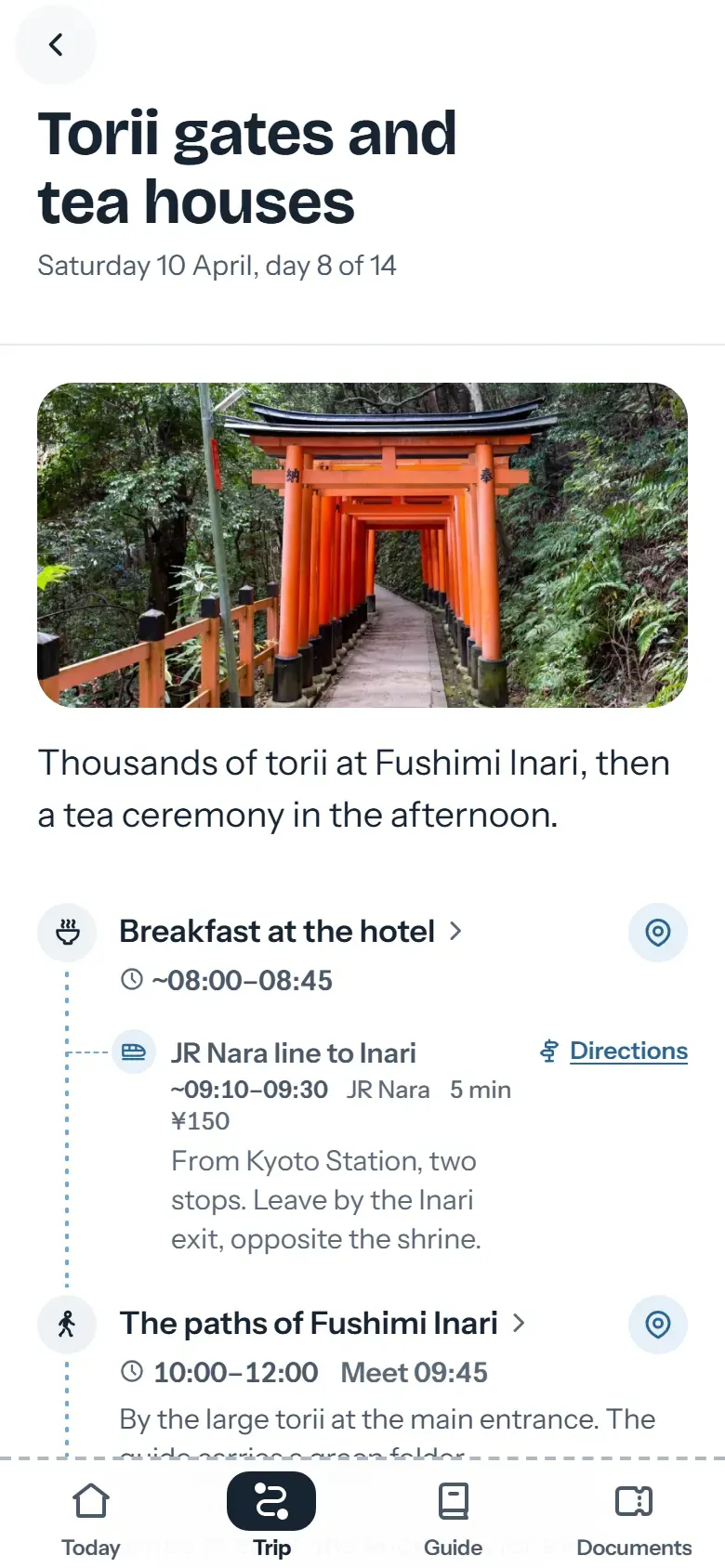
The template produces a document. With Viaondo’s itinerary builder, your client gets the trip as a branded app that works offline and updates when something changes.
Link to this answer Pablo Bravo builds Viaondo in Spain and answers the support email himself. About Viaondo · What’s new in Viaondo
Turn this template into an app
With Viaondo, you send the same itinerary to your client’s phone as an app with your brand. It opens offline too.