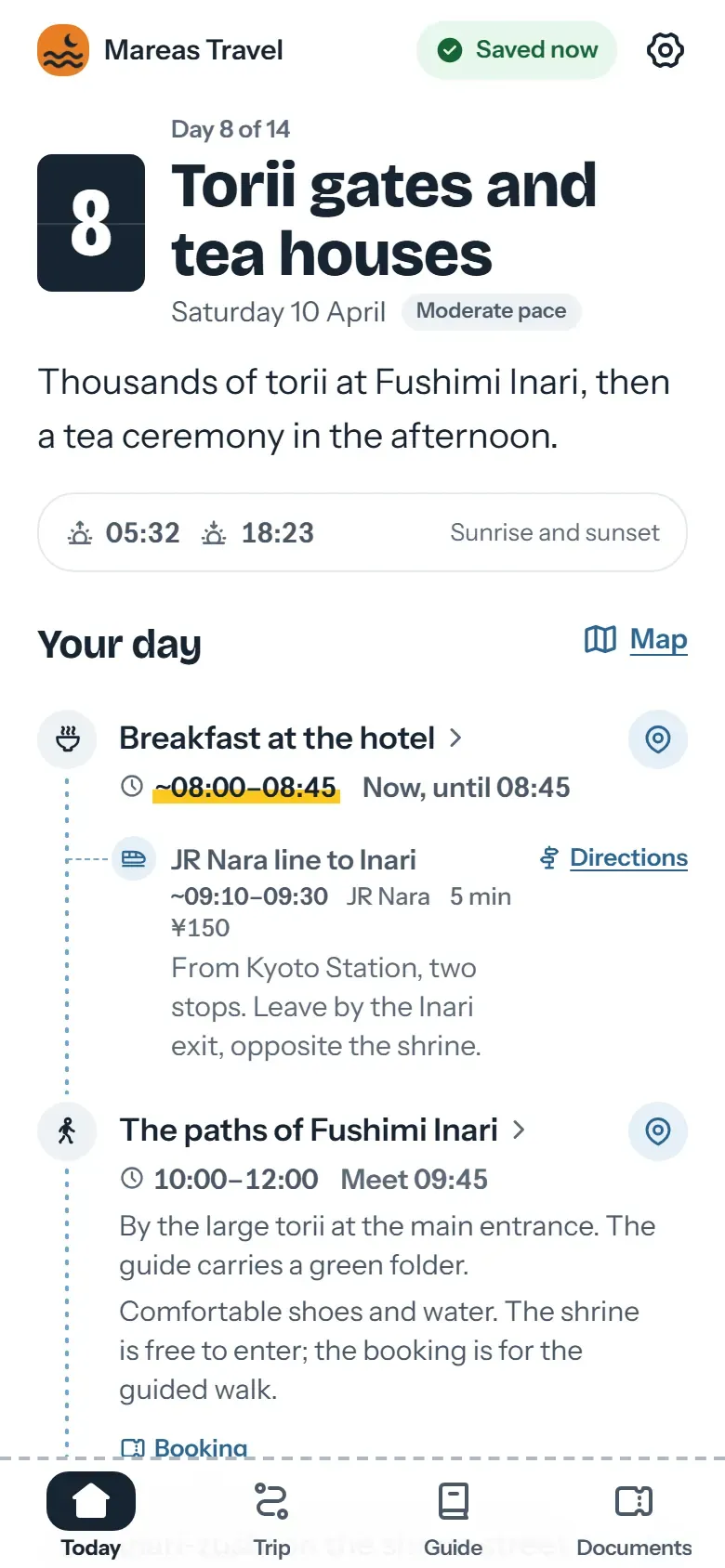
What does MOGU do better than Viaondo?
MOGU covers the sale as well as the delivery. According to its pricing page, every plan includes a proposal builder (five proposals on the free plan, unlimited on paid plans) and a payment gateway, and its AI is available on all plans. Viaondo doesn’t do proposals or payments: it starts once the client has said yes.
MOGU is also ahead on several specific points:
- A free plan. You can start without paying or entering a card, with five proposals and one license. Viaondo has a 14-day trial and no free plan.
- A native app. From Premium, your clients can use Pocket Trip, its iOS and Android app, with notifications. On Enterprise you can have an app with your own brand in the stores; according to its help center, it’s ready in about two weeks from when you send your materials.
- More app languages. The Pocket Trip App Store listing shows Spanish and ten more languages, including Catalan. Viaondo has ten.
- More visual control. Premium lets you adjust colors, typography, design, cover and WhatsApp, and use a custom domain. In Viaondo you choose your logo, color, contact details, WhatsApp button and review link, and there are no custom domains.
- PDF as well. The itinerary is shared as a link and, when needed, as a PDF too.
How is MOGU priced?
MOGU prices by plan, with licenses included and €29/month for each extra license. The free plan costs nothing and includes five proposals and one license. Business costs €65/month + VAT and gives travelers the web portal; Premium costs €149/month + VAT and adds the Pocket Trip app, offline access, a custom domain and three licenses. Enterprise is custom, and an app under your own brand in the stores costs €3,000 the first year, then €1,500 a year.
So offline access on MOGU starts at €149/month + VAT. On Viaondo it comes with every trip on the single plan, US$50/month plus VAT where it applies, with no limit on licenses (fair use).
When is Viaondo the better choice?
Viaondo is the better choice when the sale already happens elsewhere and every client should get an offline app:
- You already sell your own way. If you close sales by phone or through your booking system, you don’t need a proposals module. Viaondo focuses on the sold trip: the day-by-day itinerary, documents, addresses and your client’s app.
- You want offline access on every trip. In Viaondo, the web app itself saves the trip on the phone after the first opening with a connection and verifies the copy before saying it’s ready. Learn more about offline trips.
- You work as a team. One price for the agency, with unlimited trips and travelers. See pricing for details.
- You want to see where each booking came from. Viaondo’s booking import puts each flight, hotel or transfer into the trip’s draft with its local time and the document it came from. Anything it couldn’t be sure of is listed under To confirm, and nothing reaches your client until you publish.
Who should stay on MOGU?
Stay on MOGU if you send proposals and collect payments through it: Viaondo has neither. It also suits an agency that wants to start at no cost, since the free plan needs no card, or one whose clients read Catalan or another of the eleven languages in the Pocket Trip listing.
If you’re on Premium for the custom domain and full visual control, or on Enterprise for your own app in the stores, Viaondo can’t match those either: it has no custom domain and no store app. Some agencies keep MOGU to sell and use Viaondo only to deliver.
How does the trip reach your client?
On MOGU, according to its help center, travelers enter the portal with a direct link, a QR code or an invitation code with their account. On Viaondo you share a private link by WhatsApp, email or QR code, and your client only has to open it. The group link shows the whole trip; personal links add each traveler’s own documents and seats. If a link ends up where it shouldn’t, you revoke it or create a new one, and the old one stops working.
How do you move from MOGU to Viaondo?
You can keep using MOGU to sell and use Viaondo only to deliver, or switch completely. Either way, you move over with documents rather than with MOGU’s itineraries: upload the PDFs, screenshots or confirmation emails of your upcoming trips, correct anything that needs it and settle what’s listed under To confirm.
Before you send the first link, check in the preview how your client will see it: it’s the real app, at any moment of the trip and in any language you choose. Start with the 14-day free trial, or open the example app first.