What does TravelJoy do better than Viaondo?
TravelJoy handles the client relationship and the money, not just the trip. According to its website, it combines a CRM for communication, client details and tasks with an itinerary and proposal builder, and every plan includes unlimited clients, forms and invoices. Viaondo covers only the trip: it has no CRM or proposal builder and takes no payments.
TravelJoy also leads in five other areas:
- Client payments. You can send invoices and collect card or ACH payments inside TravelJoy. On Pro, the fees are 3.5% + 30c per card payment and 1.5% per ACH payment.
- An app in the stores. Your clients can use Itineraries by TravelJoy, a free iOS and Android app with live flight details, one-tap directions and offline access to trip details and documents. Viaondo is a web app and isn’t in the App Store or Google Play.
- Cruise content and booking. Its cruise library fills proposals and itineraries with day-by-day routes, ports of call, deck plans and dining options. Cruise booking is available on Pro and Premium, with access through a waitlist.
- Automations and marketing. Pro includes AI and automations for recurring emails and group bookings. Premium adds a Zapier integration, email marketing campaigns, SMS messaging and dedicated support.
- Entry price if you work alone. Pro costs $32/month billed annually, and Starter costs $19/month if you run up to 12 trips a year.
How is TravelJoy priced?
TravelJoy sells three tiers. Starter costs $19/month but is capped at 12 trips a year, has no AI and charges higher payment fees (5% + 30c per card, 3% per ACH). Pro costs $39/month, or $32/month billed annually; Premium costs $99/month, or $79/month billed annually, and includes two team member accounts. The trial lasts 7 days, with no credit card.
Teams pay per member: according to TravelJoy’s February 2025 announcement, each team member on Pro is a $15/month add-on, so three people pay $69/month billed monthly. Viaondo charges US$50/month for the agency, plus VAT where it applies, and takes no cut of payments because it doesn’t process them.
When is Viaondo the better choice?
Viaondo is the better choice when your clients pay you some other way and what you want to improve is the trip they carry:
- You want the trip app to carry your brand. TravelJoy puts your logo on itineraries and emails but doesn’t say whether the Itineraries app is branded. In Viaondo, your logo, color, contact details, WhatsApp button and review link apply to every trip. See branding.
- Your clients speak other languages. The Itineraries by TravelJoy App Store listing shows English. Viaondo’s app and dashboard work in ten languages.
- You work as a team. One price for the agency instead of a charge per team member. Details on pricing.
- You care where your data lives. Viaondo’s database and files are stored in the EU. TravelJoy doesn’t say on the pages we checked.
Who should stay on TravelJoy?
Stay on TravelJoy if you invoice clients and collect card or ACH payments in it: Viaondo has nothing to replace that. The same goes if you build cruise itineraries from its cruise library, or run email campaigns and SMS from Premium.
A solo advisor with a handful of trips a year also pays less there: Starter at $19/month covers up to 12 trips, and Pro billed annually is $32/month. Viaondo starts to pay off when several people deliver trips, or when your clients need a branded app in a language other than English.
How does your client open the trip?
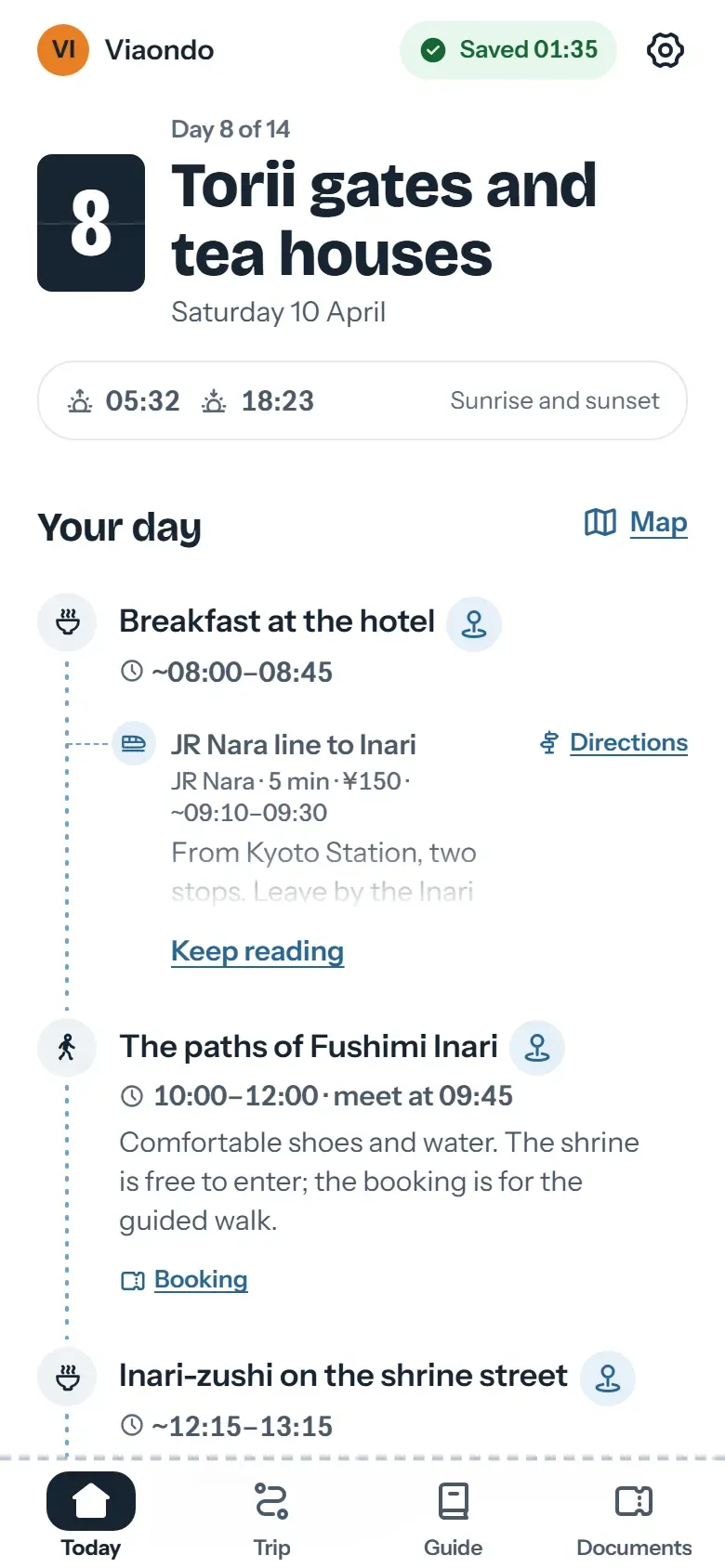
With TravelJoy, you share the itinerary by email, link or PDF, and clients who want it on the go and offline download the Itineraries app. With Viaondo, the link opens the traveler app straight in the browser. There’s a group link with the whole trip, and each traveler can also get a personal link with their own documents and seats.
How are bookings loaded?
Both use AI to read documents. TravelJoy’s Magic Importer turns uploaded documents into editable itinerary items, and its AI features are on Pro and Premium. Viaondo’s booking import reads PDFs, screenshots and confirmation emails. It puts each item into the trip’s draft with its local time and the document it came from, lists anything uncertain under To confirm, and nothing reaches your client until you publish.
How do you move from TravelJoy to Viaondo?
Viaondo doesn’t connect to TravelJoy, so you move over with the documents you already have. Start with your next departures: upload each trip’s PDFs, screenshots or confirmation emails, and flights, hotels, trains, transfers and activities go into the draft with their local times.
You can keep TravelJoy for your CRM and payments if you use them; Viaondo only takes over delivering the trip. Clients who had the Itineraries app get a link instead, with nothing to install. Start with the 14-day free trial, or open the example app before signing up.