What does TripCreator do better than Viaondo?
TripCreator runs the business around the trip, from the first enquiry to the final invoice, and goes further than Viaondo on these points:
- Sales, bookings and payments in one place. A CRM, proposals that switch to booking mode, invoicing and payments by card, bank transfer or check, with Xero sync. Viaondo has no CRM, proposals or payments.
- Supplier inventory. According to its integrations page, it connects to RateHawk, Travia and Bókun, and adds live flight status through FlightStats.
- A store app with navigation. Travelers use the TripCreator app for iOS and Android, can download their itinerary, documents and maps, and get driving and walking directions without a connection.
- A wider AI import. Its import, in beta, reads PDFs, images, Word, Excel, PowerPoint, text and CSV files, and can start from a written brief. It runs on your own OpenAI or Anthropic key, billed as your own AI usage.
- One inbox. Email, WhatsApp (in beta) and live chat arrive in a shared inbox for the team.
How is TripCreator priced?
TripCreator charges per user, in volume tiers: $139 a month for one user, $125 per user from two to nine users, and less from ten, or $119 and $107 per user a month billed annually, plus VAT where it applies. A custom plan starts at $599 a month for at least five users. The trial lasts 14 days and starts after a platform demo. Add-ons are billed separately: the white-label app costs $1,000 to set up and then $350 a month, and its open API $59 a month.
Viaondo costs US$50 a month, or US$500 a year with two months free, plus VAT where it applies, for the whole agency, with unlimited trips and travelers and your brand included.
When is Viaondo the better choice?
Viaondo is the better choice when the trip your client receives matters more than the back office around it:
- You want your brand from the first trip. TripCreator’s free app carries its own name, and the branded version is a paid add-on. In Viaondo you set your logo, colors, contact details, WhatsApp button and review link once. See branding.
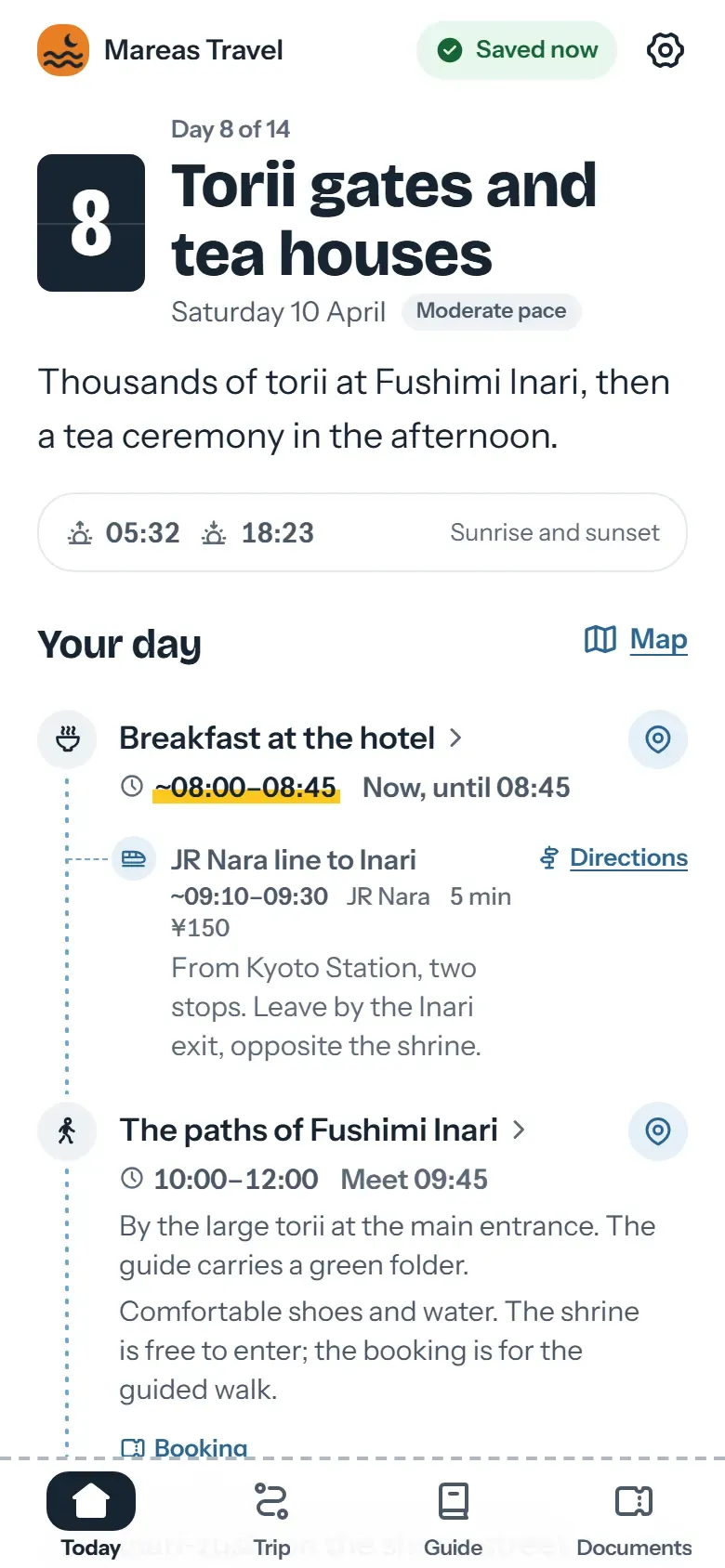
- Your clients shouldn’t have to install anything. With Viaondo, the trip opens from a private link in the phone’s browser, with no app store and no reference number to type.
- Your clients speak other languages. The TripCreator App Store listing shows English, and its builder is in English. Viaondo’s app and dashboard work in ten languages.
- You’re a small team. One price covers the agency instead of one per user. Details on pricing.
- You care where your data lives. TripCreator doesn’t say where it hosts product data on the pages we checked; Viaondo’s database and files are in the EU.
Who should stay on TripCreator?
Stay on TripCreator if you sell, book and invoice inside it every day: a DMC that sends proposals, takes payments without commission, books suppliers through its inventory and syncs to Xero would lose that by moving. The same goes if your travelers count on turn-by-turn navigation without a connection, or if you already pay for your own branded app in the stores.
How does your client open the trip?
According to TripCreator’s help article, travelers download the TripCreator app and enter their itinerary reference number; itineraries can also be shared by email or as a web link. With Viaondo, the link opens the traveler app straight in the browser, with your brand, and the trip works offline once saved. You can send one group link with the whole trip, or personal links that give each traveler their own documents and seats.