What is Wanderlog?
A free trip planner for personal travel, operated by Travelchime Inc., that combines itinerary and map in one view and lets friends plan together in real time. Its Pro plan, $39.99 a year billed annually, adds offline access, route optimization and unlimited AI assistance.
Why do agencies look for a Wanderlog alternative?
Wanderlog is a well-made planner — for the traveler. It maps an itinerary, finds places, imports reservations from email and lets friends plan together. The problem for an agency is not the planning; it is the delivery. A client trip built in Wanderlog lives in a personal account, opened in Wanderlog’s own app under Wanderlog’s brand, and its plans page lists personal subscriptions only: a free tier and Pro at $39.99 a year, billed annually. Three things follow from that:
- Your brand is not on the trip. Nothing on its plans page offers an agency, team or white-label option, so the client’s trip carries Wanderlog’s identity, not yours.
- There is no agency workspace. Trips belong to personal accounts: no team seats, no per-client organization, no way to hand a trip to a colleague.
- Offline access is a paid personal feature. It sits behind Pro at $39.99 a year — priced for one traveler, not for every client you serve.
If those three are the reason you are here, the six options below are agency tools: they put your brand on the trip, organize it in a business account and price for a team. What each does less well is stated with the price.
What Wanderlog does well
Leaving it for client work does not mean it fails at its own job. What it does well is worth saying plainly, because it is the standard the alternatives compete with:
- The itinerary and the map are one view, and places come from its own database, so building a draft is fast.
- The free tier is real: unlimited places, live collaboration with friends, and flight and hotel imports from email at no charge — imports its privacy policy says are parsed with the help of OpenAI.
- Pro’s extras are traveler features: offline access, route optimization, export to Google Maps and unlimited AI assistance, at $39.99 a year.
If you only ever plan your own trips, that is a fair deal and you can stop reading here. The rest of this page is about the client-facing job: a trip your agency sends, in your brand, priced per agency rather than per person.
What changes for your clients when you switch
The planning work you did in Wanderlog carries over as supplier documents, not as a live trip. What your client receives changes more:
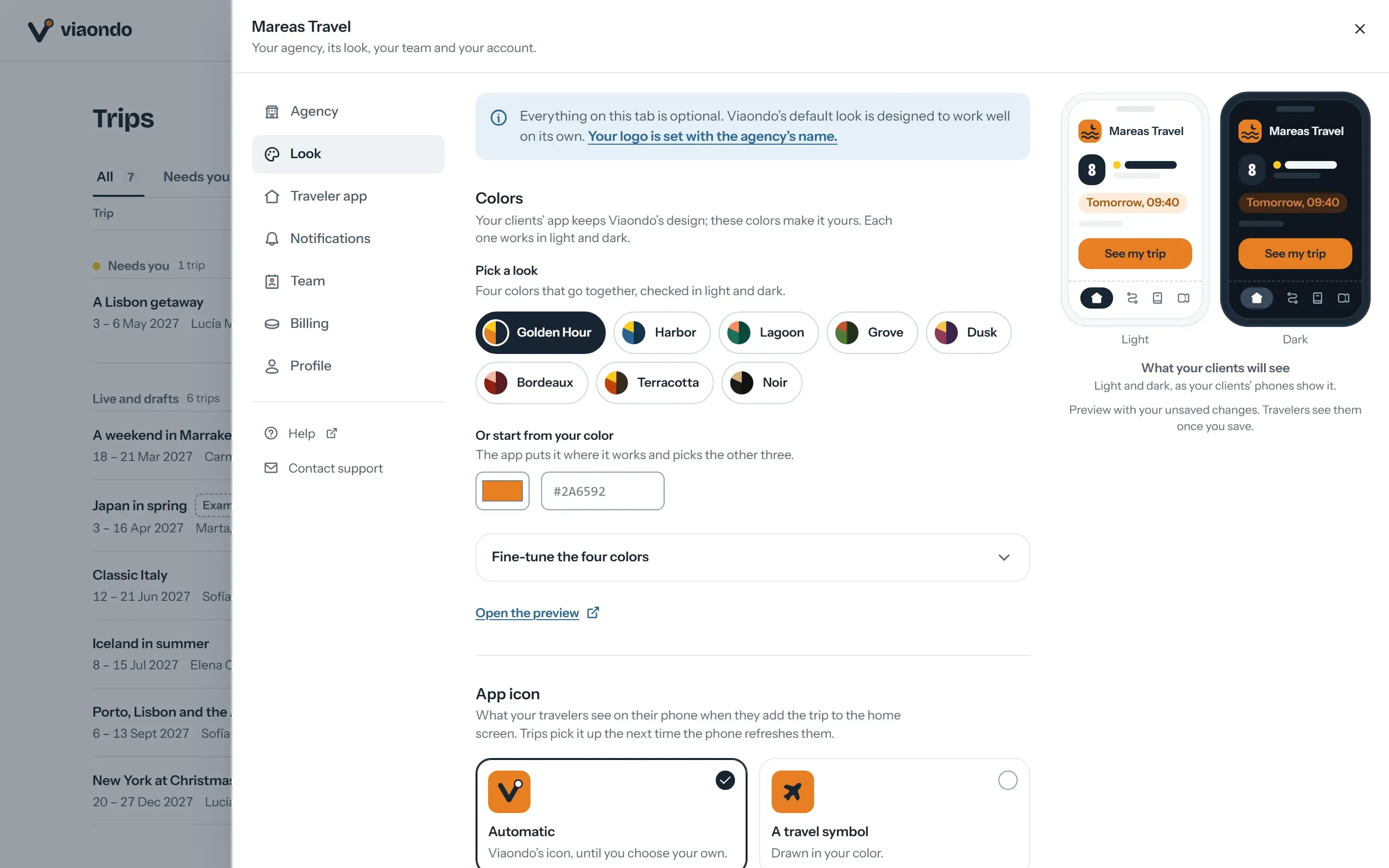
- They open a private link instead of an account in Wanderlog’s app. In Viaondo it shows your logo, your colors and your WhatsApp number, and they add it to their home screen.
- It works offline after the first opening with a connection, except for the street map — no Pro tier on your side, and nothing for the client to pay.
- The trip is yours to organize: duplicated for repeat routes, checked with See as the traveler before anything reaches the client.
For the trade-offs between sending a PDF, a link and an app, how to send an itinerary to travel clients compares the three by offline use, changes and privacy.
How do you move client trips from Wanderlog to an agency tool?
You rebuild from the supplier confirmations your Wanderlog trips were planned from — not from Wanderlog itself. Step by step:
- Gather the confirmations, not the plans. For the trips departing soonest, collect the supplier PDFs, screenshots and confirmation emails; they are the source the itinerary was built from anyway.
- Start the 14-day free trial and set up your brand once: logo, three colors, the home-screen icon and your WhatsApp number.
- Upload one trip’s documents. They go into the trip’s draft, each booking pointing to the document it came from; anything uncertain lands under To confirm. Fair use is 300 documents per agency per month.
- Fill in what no confirmation contains: the destination guide, places, a checklist and emergency numbers.
- Check it as your client will. Open See as the traveler, run the Trip Check, then publish — nothing reaches your client before you do.
- Reuse what repeats. For routes you sell again, duplicate a past trip and shift the dates: every date moves with it.
When is Viaondo not the right Wanderlog replacement?
When Wanderlog was doing a job an itinerary tool shouldn’t take over, keep that job where it is:
- You only plan your own trips. Keep Wanderlog; nothing here beats free for personal travel.
- You need to sell and invoice in the same tool. That is a suite, not a delivery tool — see Viaondo vs Travefy for the row-by-row version, or TravelJoy and Tern if the CRM matters most.
- Your clients expect an app from the App Store. Viaondo is a web app with your icon on the home screen; mTrip publishes your own app under your developer accounts.
- Your bookings arrive through a GDS or a DMC workflow. Axus imports PNRs and builds with DMC content; Viaondo takes documents and typing.
- You want to chat with travelers inside the app. Axus and Vamoos carry in-app messaging; Viaondo routes contact through the WhatsApp button on every trip.
The example app holds an example trip as your clients would receive it.